

Installing AISBackup
Here are the instructions for installing AISBackup.
-
Double click the install file called aisbiXXX.exe where XXX is the build number.
-
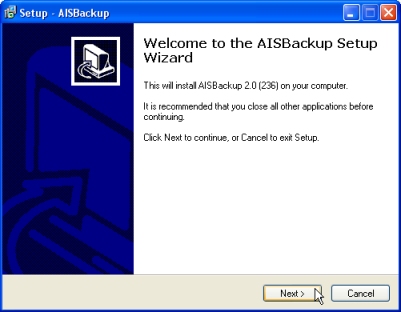
Choose Yes to begin the installation process.
-
Click Next.
-
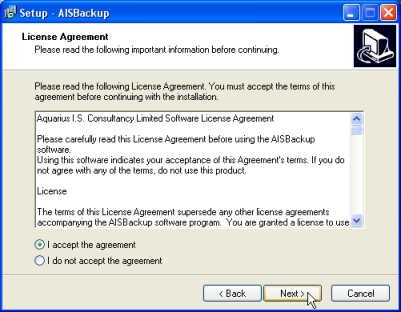
Read and agree with the license agreement then click Next.
-
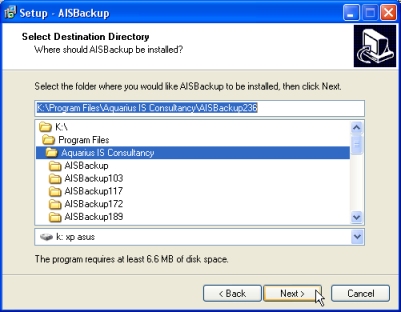
Select the destination folder, note that the installation program automatically appends the folder name AISBackup so if you select the pre-existing folder name AISBackup the install folder will be ....\AISBackup\AISBackup, which is probably not what is intended.
If you wish to install AISBackup to a new folder representing the build number, manually type the new folder name as shown by AISBackup236 below.
- After installing AISBackup it may be run by clicking the shortcut icon:
 .
. - If you have purchased a registration key then run AISBackup at least once so that AISBackup's file types are registered with Windows, Windows Vista users must run AISBackup as an administrator using the right click Run as administrator menu option or the file types will not be registered.
- Open the e-mail containing the registration key then double click the AISBackup key attachment and choose Open.
- Alternatively start AISBackup then drag and drop the registration key onto AISBackup's main form. For the drag and drop process to work Windows Vista users must not have AISBackup running as an administrator.